Shopify Flow
Automate everything and get back to business
Create custom workflows, get more from your existing apps, and watch business boom.
Don't have a Shopify store? Start one for free
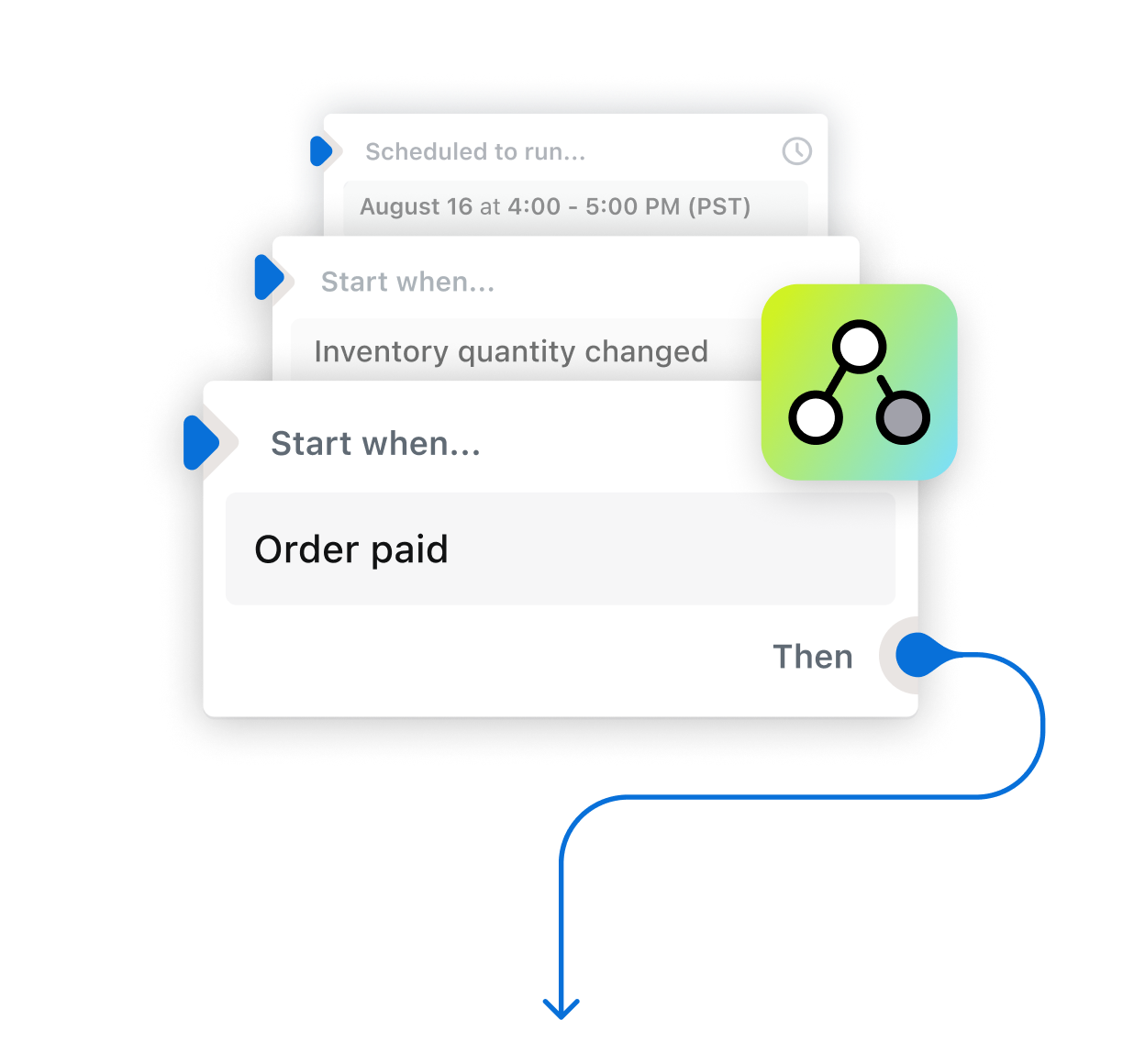
Automate everything and get back to business
Don't have a Shopify store? Start one for free
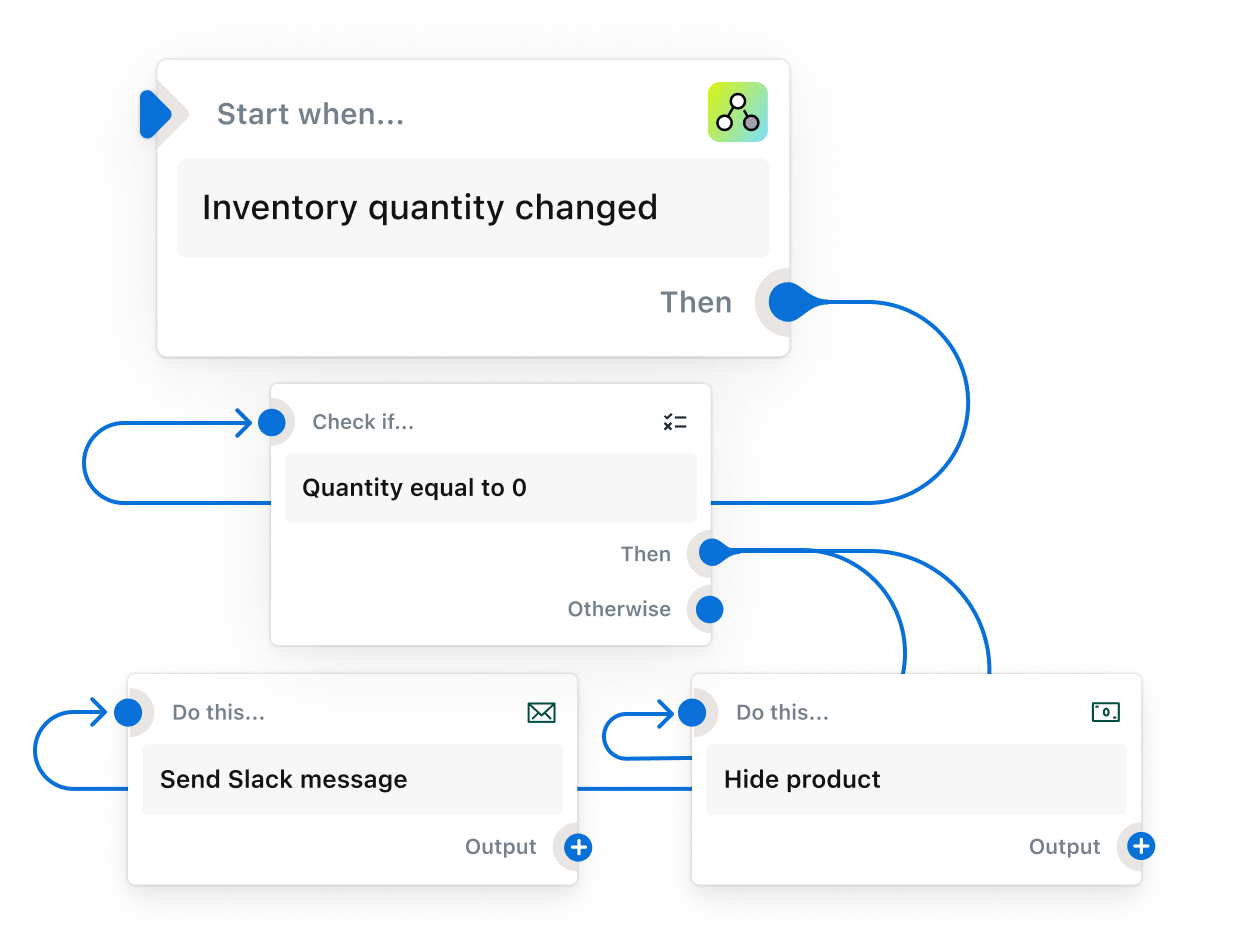
Hide products on your site when they’re out of stock, instantly reorder supplies when they’re low, and so much more.
Read the inventory management playbookSet up a workflow that flags high-risk orders for you, so you don’t have to manually sort through every one.
Read the fraud prevention playbookIdentify, track, and reward customers based on parameters such as total spend, total orders, subscriptions, and more.
Read the loyalty and retention playbookAutomatically review orders and either put them on hold or release them for fulfillment, based on pre-set conditions. Plus so much more.
Read the fulfillment management playbook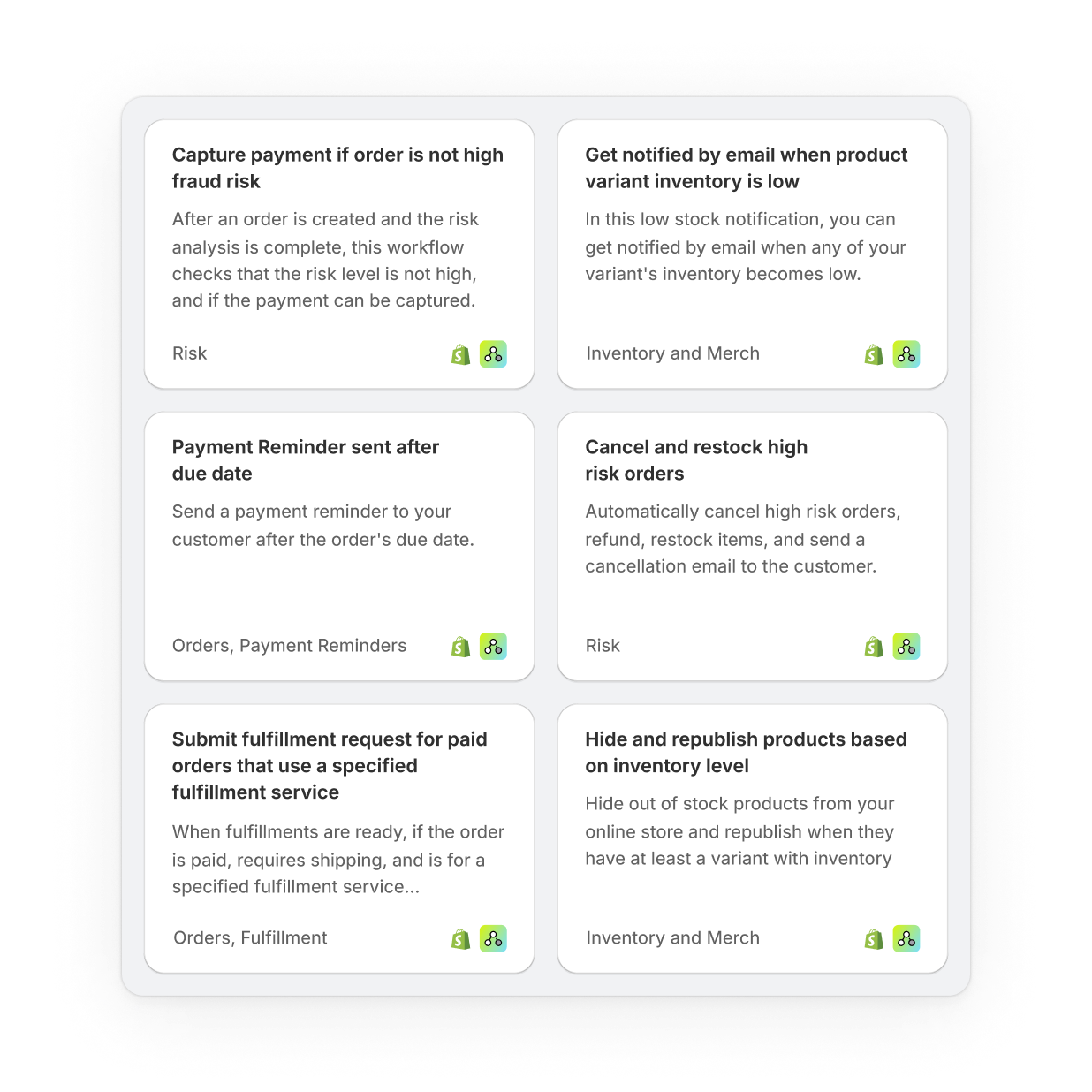
The biggest limitation of Flow is your imagination, and the things I’ve been able to automate have been game-changers for our operations.
Ecommerce automation is software built to convert tasks, processes, or campaigns within your business to automations that intelligently execute exactly when needed. It’s how businesses can do more with what they have.
The problem is simple: as a business scales, the demands, complexity, and repetition add up. Systems that used to work become increasingly inefficient and break down. In response, companies turn to time-consuming workarounds—time that could be spent on what’s important is sacrificed for time spent on what’s urgent, even when that’s just pushing buttons. Or companies turn to new hires. Unfortunately, people don’t scale. But that doesn’t undercut the value of people—if anything, it reinforces it. People, especially their ability to focus on key activities, not tasks that a workflow could do, are your most powerful resource.
Ecommerce automations can take a host of different forms like tagging customers for segmentation and marketing, hiding products and initiating reorders for low or out-of-stock items, or tracking and halting high-risk orders. With each workflow, the goal is the same: to let merchants build the workflow that their business needs to scale.
Here are some of the most popular examples:
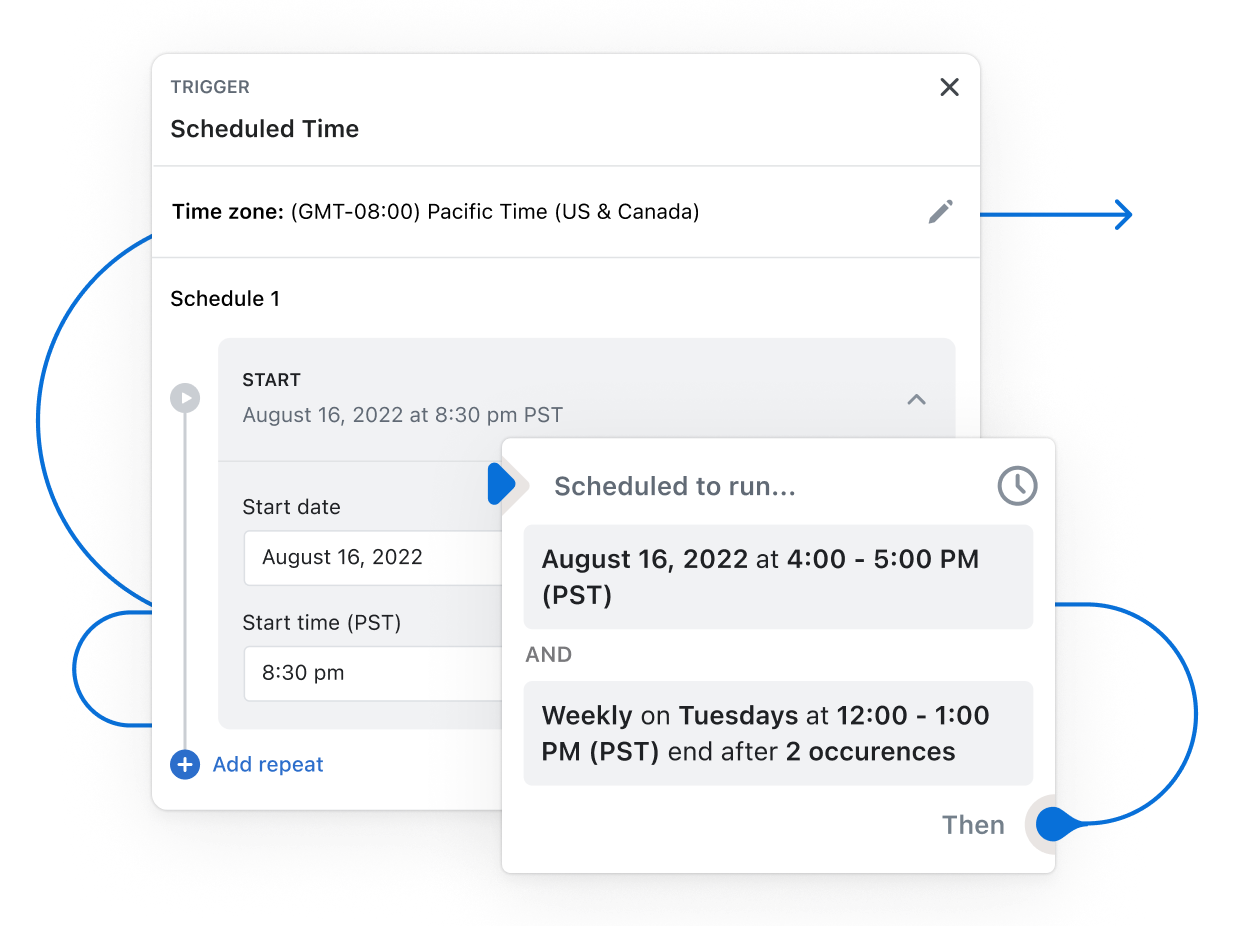
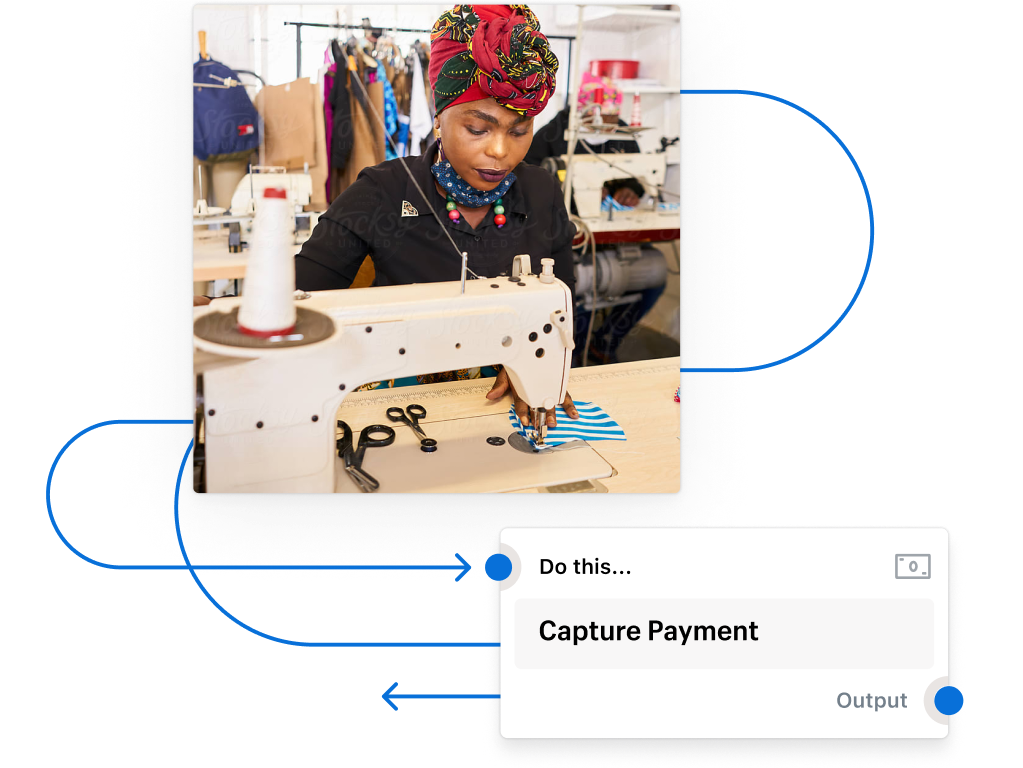
Flow is based on a simple, no-code “trigger, condition, and action” format. Basically, a “trigger” is an event that Flow looks out for and which sets an automation in motion, a “condition” must then be met, and the “action” is the task that is completed when the condition is met.
Here’s what that might look like for a workflow that automatically adds a customer to your loyalty program:
It’s so easy. Start by downloading Flow in our app store. Then either start using one (or many) of our pre-built templates designed to automate dozens of the common tasks businesses need to automate. Or start creating your own workflows to solve the unique problems your business faces, using our no-code “trigger, condition, and actions” workflow creator.
Currently the Flow platform is only available in English.
Shopify Flow is available to businesses in all countries on the Basic, Grow, Advanced, and Shopify Plus plans. Flow is only available in English.